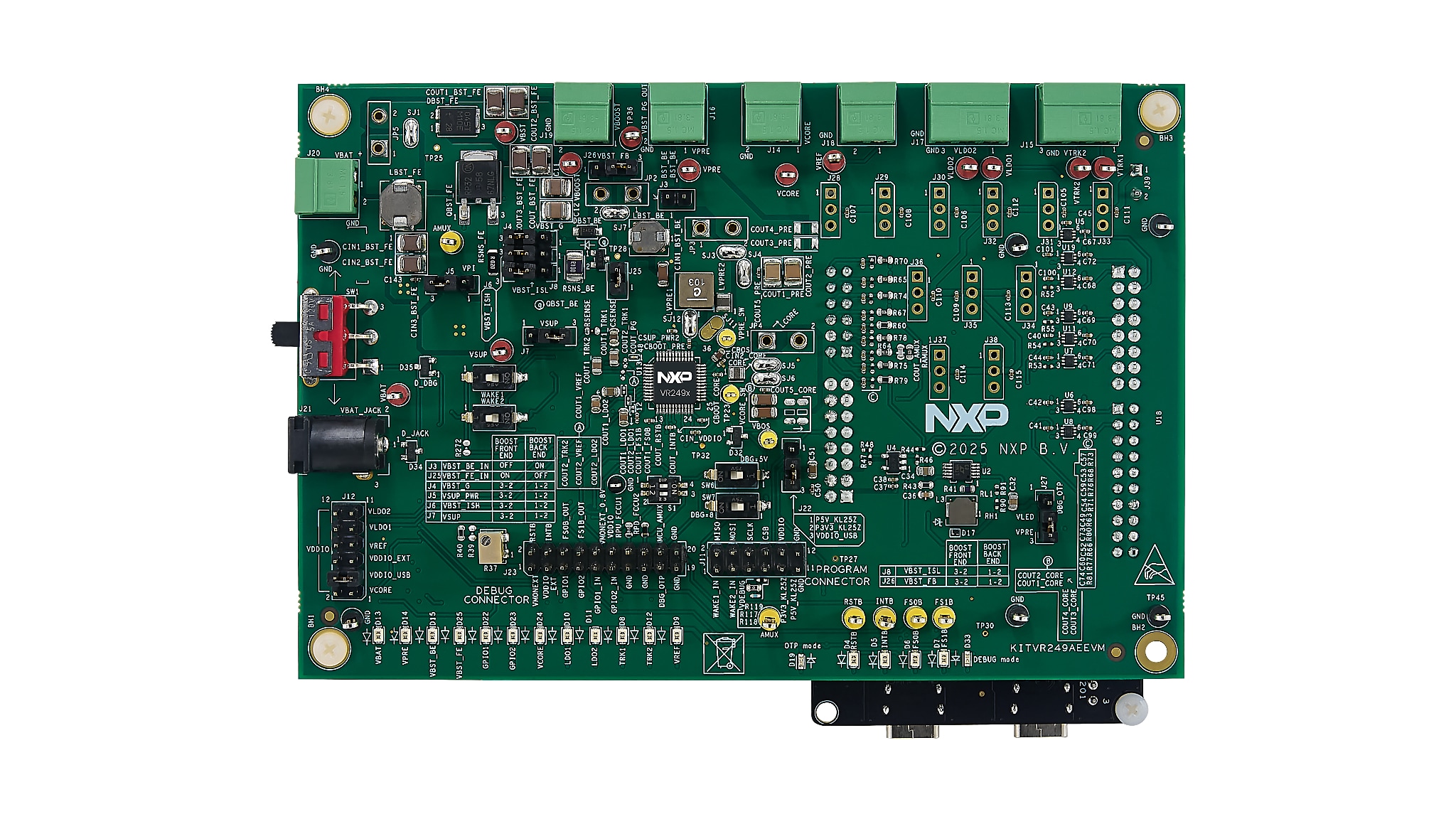
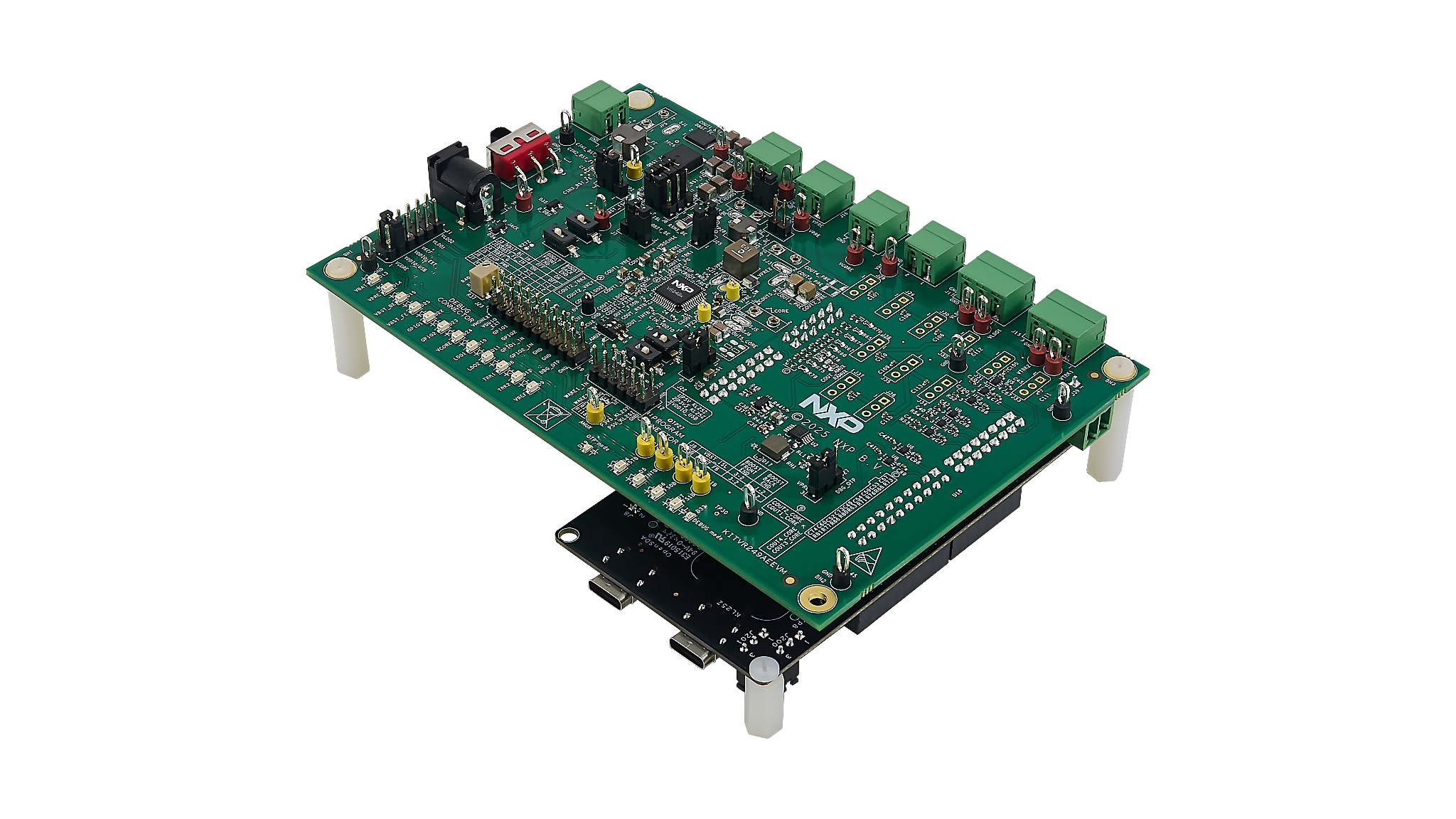
VR249 High-Voltage PMIC Board for Industrial Safety Evaluation

Click image to open expanded view

Block Diagram

KITVR249AEEVM

KITVR249AEEVM Block Diagram

Supported Devices

Processors and Microcontrollers

MCX E Series Microcontrollers

S32K Auto General-Purpose MCUs

Power Management

12 V, 24 V, and 48 V SBC Solutions

Features

Connectivity

  • FRDM-KL25Z MCU connects to the software GUI via USB to access the SPI bus, input/outputs (I/Os), safety outputs, debug mode, analog multiplexer (AMUX) and regulators
  • USB connection for register access, one-time programmable (OTP) emulation and fuse programming

Power Management

  • Battery voltage (VBAT) power supply connectors (jack and Phoenix)
  • Pre-regulator voltage (VPRE) output 3.3 V to 6.5 V, up to 1.5 A
  • Boost voltage (VBOOST) operation in independent mode or front-end topology to support battery cranking profiles
  • Core voltage (VCORE) output 0.8 V to 3.3 V, up to 1.6 A
  • Low-dropout regulator (LDO) outputs LDO1 and LDO2 from 3.3 V or 5.0 V, up to 400 mA
  • Tracking voltage regulator (VTRK) outputs VTRK1 and VTRK2 from 3.3 V or 5.0 V, up to 150 mA
  • Voltage reference (VREF) accuracy regulator for external analog-to-digital converter (ADC) reference

General Specifications

  • Fail-safe outputs (FSOs) FS0B and FS1B external safety pins

Support

  • Debug mode access
  • Manual or automated OTP fuse programming
  • Connectors allowing easy access to digital signals

Components

  • LEDs that indicate signal or regulator status
  • Analog variable resistor to test external voltage monitor (VMON)

Buy Options

KITVR249AEEVM-Image

Click to expand

KITVR249AEEVM
Active

VR249 High-Voltage PMIC Board for Industrial Safety Evaluation.

$440.00 USD
Pending Stock
Order from distributors

Documentation

Quick reference to our documentation types

3 documents

Compact List

Design Resources

Design Files

Quick reference to our design files types.

2 design files

Software

Quick reference to our software types.

1 software file

Note: For better experience, software downloads are recommended on desktop.

Support

What do you need help with?