For best experience this site requires Javascript to be enabled. To enable on your browser, follow our
accessibility instructions
.
×
NXP
Products
Applications
Design Center
Support
Company
Store
Ask or search NXP AI
Language
Orders
Sign In
Products
Processors and Microcontrollers
Analog and Mixed Signal
Audio
Battery Management
Interfaces
Power Drivers
Power Management
Radio
Radio Frequency (RF)
RFID / NFC
Security and Authentication
Sensors
Wireless Connectivity
Product Finders
NXP Product Information
Design Advisor
Processors and Microcontrollers
Arm Microcontrollers
Arm Processors
Discrete Neural Processing Units
Legacy MPU/MCUs
Additional MPU/MCUs Architectures
Power Architecture
S32 Automotive Platform
Arm Processors
S32 Automotive Processors
i.MX Applications Processors
Layerscape Processors
i.MX Applications Processors
i.MX RT Series
i.MX 9 Processors
i.MX 8 Applications Processors
i.MX 7 Processors
i.MX 6 Processors
i.MX28 Processors
i.MX Mature Processors
Developer Resources
i.MX 6 Processors
i.MX 6ULZ Applications Processor
i.MX6D
i.MX6DL
i.MX6DP
i.MX6Q
i.MX6QP
i.MX6S
i.MX6SL
i.MX6SLL
i.MX6SX
i.MX6UL
i.MX6ULL
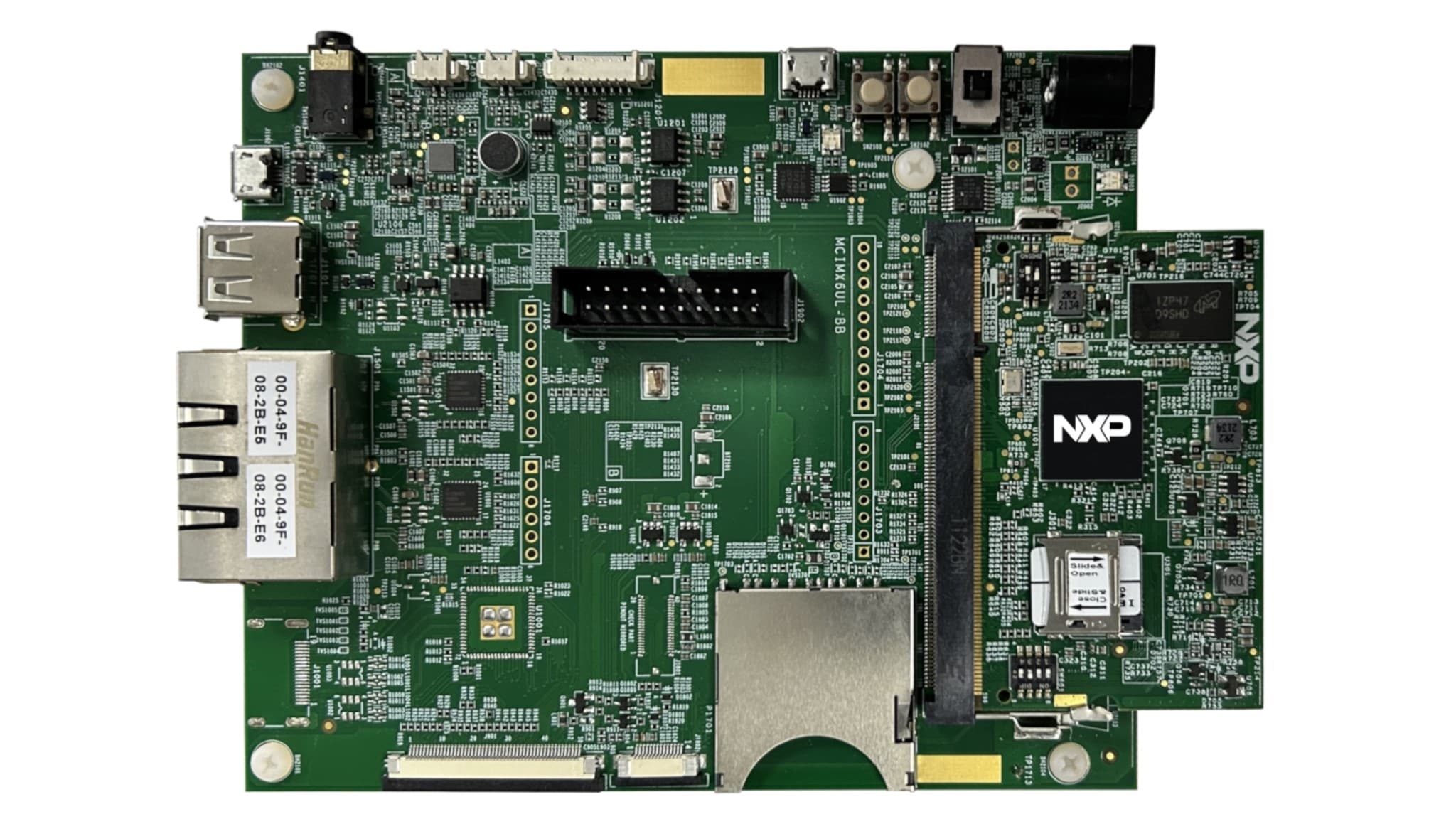
i.MX 6UL Evaluation Kit
Get Started with the MCIMX6UL-EVK Evaluation Kit
Get Started with the MCIMX6UL-EVK Evaluation Kit
Get Started with the MCIMX6UL-EVK Evaluation Kit
Facebook
Twitter
LinkedIn
Printer
Jump To
1. Plug It In
1.1 Inside the Box
1.2 Get to Know the Board
1.3 Setting up the System
2. Get Software
2.1 USB-to-UART bridge virtual COM port (VCP) drive
2.2 Tera Term (serial terminal emulator)
2.3 ARM DS-5 IDE
2.4 i.MX Config Tools
2.5 MCUXpresso SDK for i.MX Arm Cortex-M
3. Build, Run
3.1 Embedded Linux for i.MX Applications Processors
3.2 i.MX Yocto Project
Projects and Tutorials
Boot Options
External Memory
Security and Integrity
Wired Communications
Wireless Connectivity
Power Management
Display and Graphics
Camera Interface
Voice and Audio
Design Resources
Board Documents
Chip Documents
Software
Get Help
Trainings
Forums
i.MX 6UL Evaluation Kit
Buy