Getting Started with ARA2-M2-16G-GT
Contents of this document
-
Out of the Box
-
Get the Software
-
Module Enumeration and Package Configuration
-
Developer Experience
Sign in to save your progress. Don't have an account? Create one.
Purchase your Ara240 16GB M.2 Module
1. Out of the Box
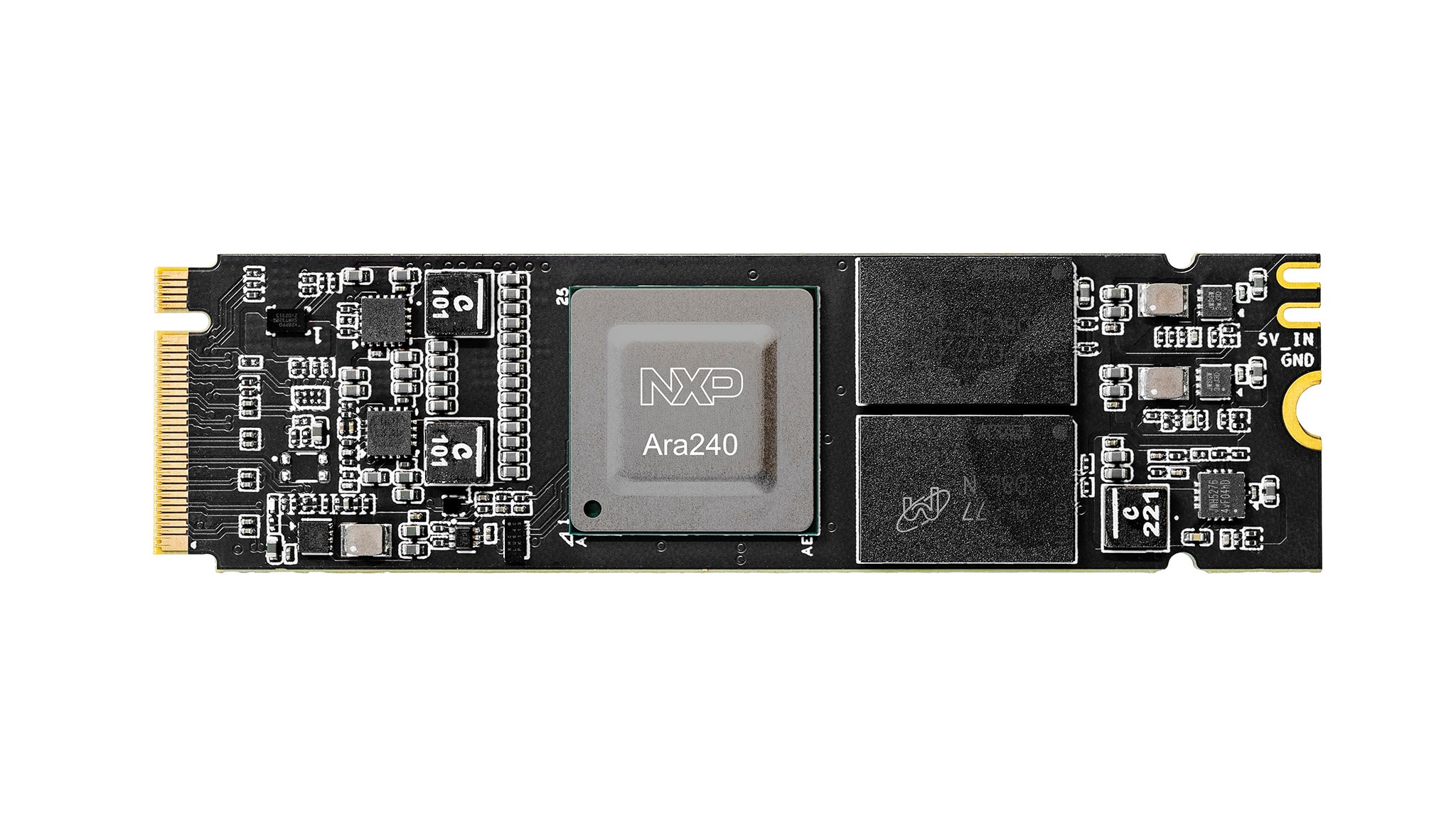
The following section outlines the steps to boot the Ara240 16 GB M.2 module that is included in the development kit.
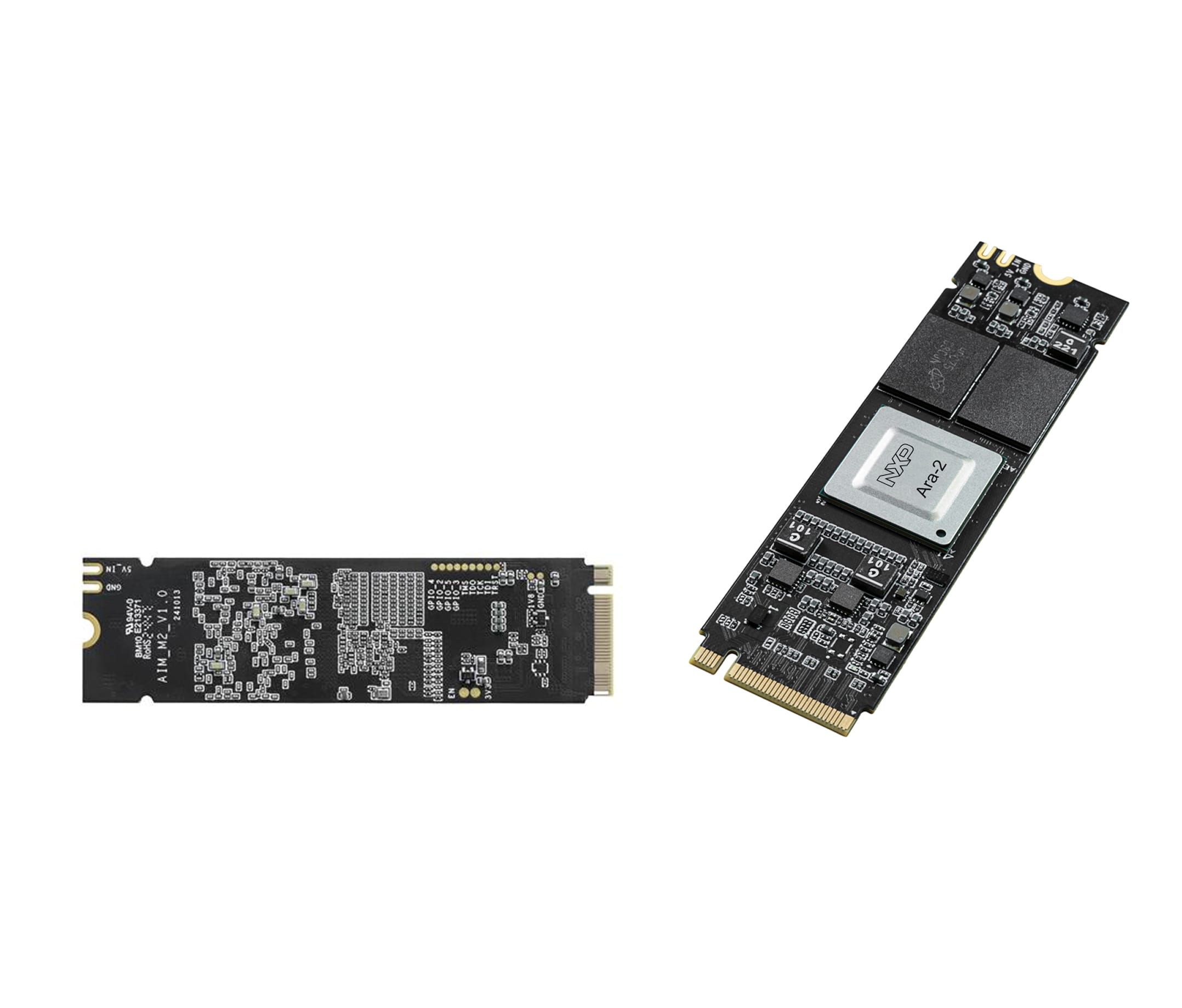
1.1 Get Familiar with the Ara240 Module
1.2 Connecting the Module
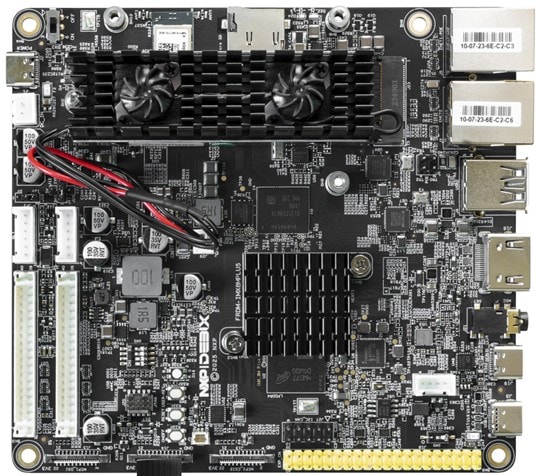
This section explains how to connect Ara240—a discrete module—to the FRDM i.MX 8M Plus board. The instructions in the FRDM i.MX 8M Plus Getting Started Guide will walk you through the boot up process for the latest Embedded Linux image on the board and how to connect the USB debug cable. For additional details, see the official FRDM i.MX 8M Plus Development Board documentation.
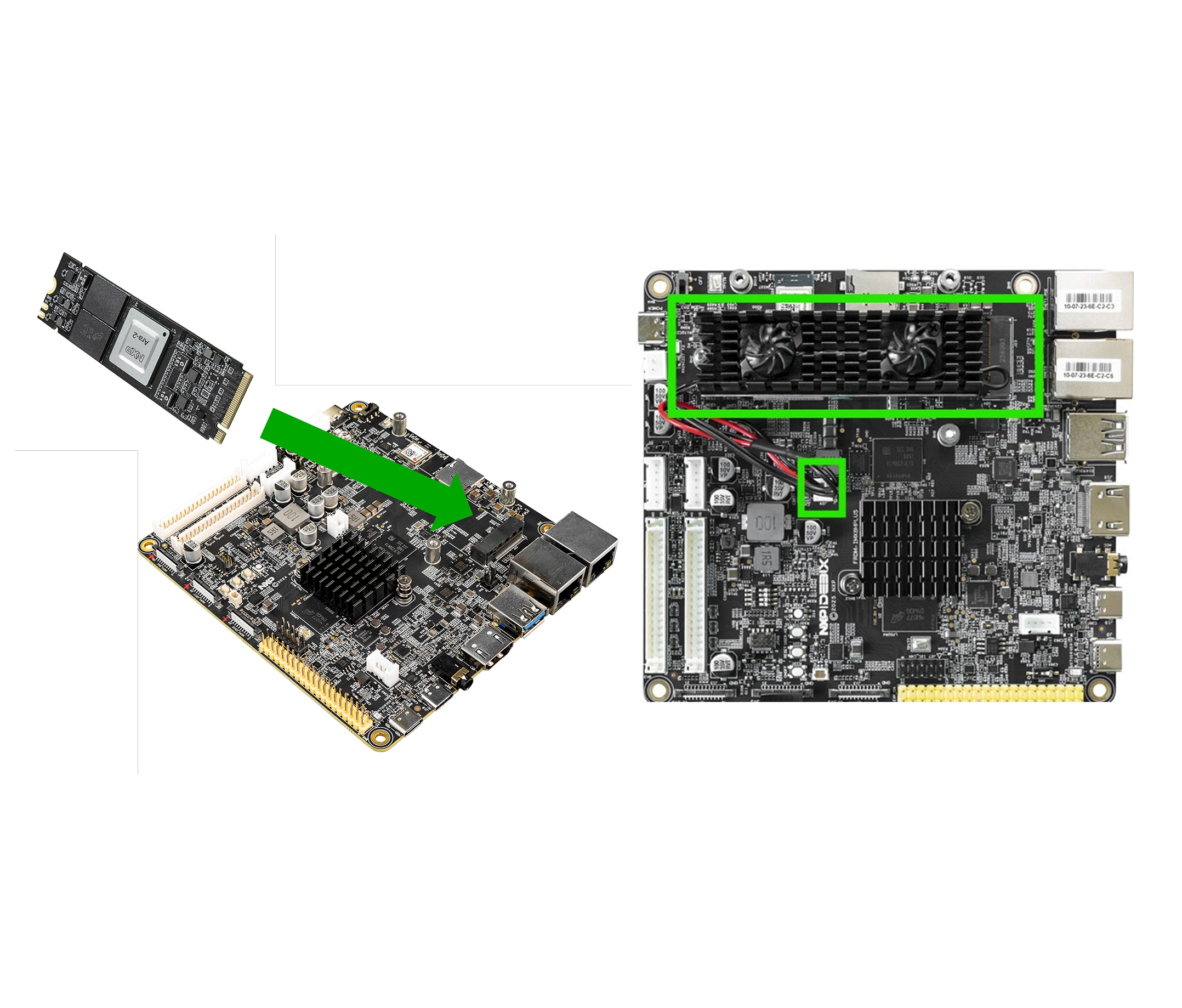
Follow the steps below to connect theAra240 16 GB M.2 module to the FRDM i.MX 8M Plus board.
Ensure the board is powered off before making any connections.
- Insert the Ara240 16 GB M.2 module into the M.2 Key-M socket
(J23) - Using the screw provided, secure the module
- Connect the fan wires to the fan connector
(J29)
1.3 Power on the Board
- Follow the instructions to power on (boot) the board found in Section 1.6 of the Getting Started with FRDM i.MX 8M Plus guide
- After powering on, verify that the fans and green LED indicators on the Ara240 16 GB M.2 module are on
2. Get the Software
This section will walk you through the Ara240 Runtime software development kit (SDK), a streamlined subset of the Ara240 SDK designed for rapid enablement and execution on NXP platforms. The Runtime SDK simplifies installation and configuration, enabling developers to quickly deploy and run AI/ML workloads on the Ara240 module with minimal effort.
2.1 Overview
To enable Ara240 software runtime environment on the NXP host platform, refer to the latest software release notes for the Ara240 SDK. This guide highlights the installation and bring-up of Ara240 module using FRDM i.MX 8M Plus board.
For any other platforms please reach out to your NXP representative for guidance.
3. Module Enumeration and Package Configuration
This section guides you through installing the Ara240 Runtime SDK on the FRDM i.MX 8M Plus board.
3.1 Verify Device Detection
Once the board has successfully booted, connect it to to the serial debug port to monitor system logs. To confirm that the Ara240 16 GB M.2 module is being detected by the board, run the following command:
$ lspci | grep 1e58Expected output:
0000:01:00.0 Processing accelerators: Device 1e58:0002 (rev 02)
3.2 Enable Ara240 Device
For quick enablement, use the Ara240 Runtime SDK package (that simplifies installation by automatically configuring the Runtime SDK as a system service that starts at boot time). Refer to the Ara240 Runtime SDK documentation available within the package for detailed instructions and environment setup steps.
4. Developer Experience
This section provides an overview of Ara240 runtime software enablement using FRDM i.MX 8M Plus board as a reference.
4.1 Verify Setup Environment
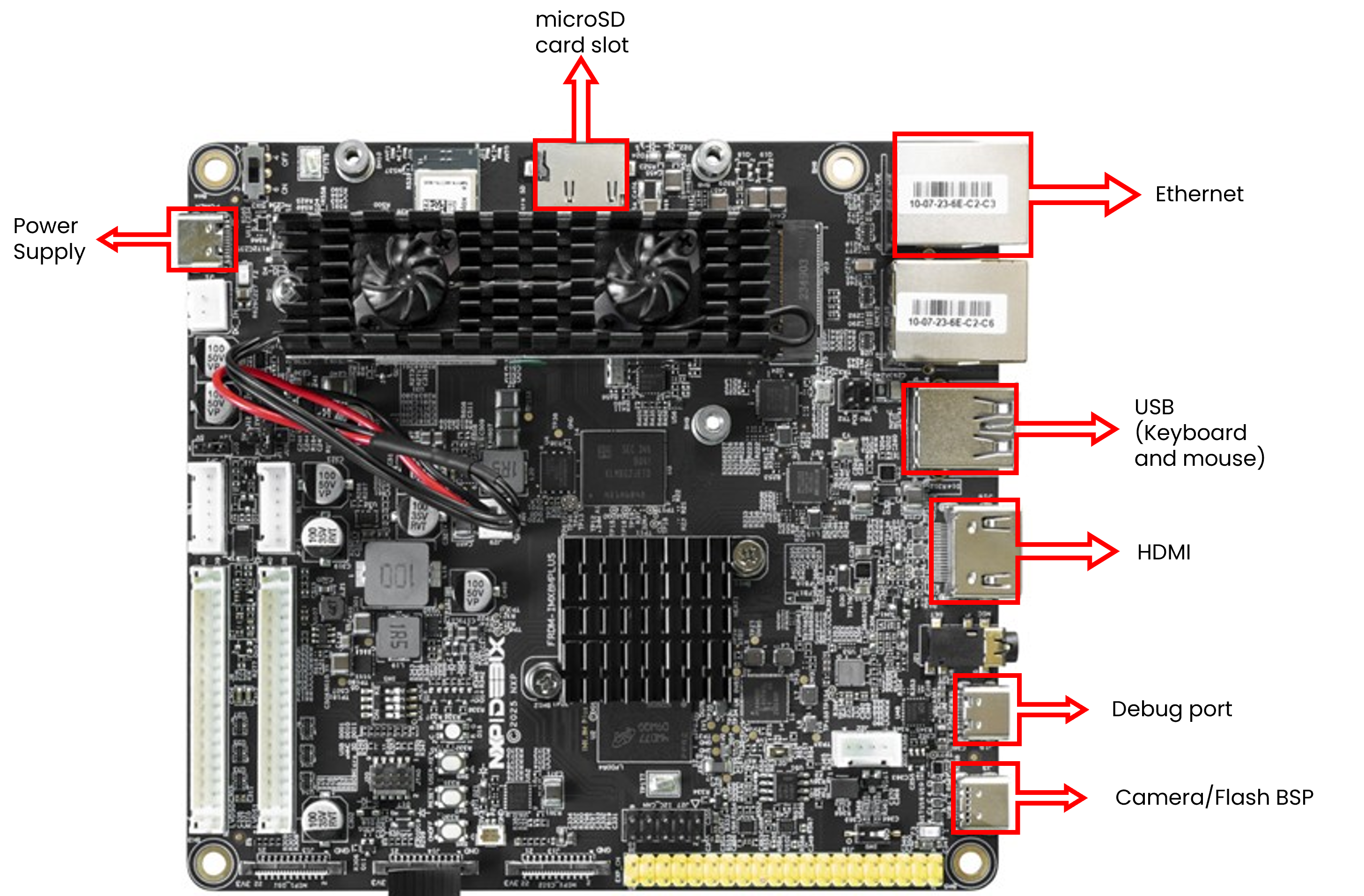
Please use the following image for guidance on how to connect required devices. For most of the demos, you will need a camera, keyboard, mouse, internet connection and a display monitor.
4.2 Runtime Setup Description
Runtime SDK delivers a complete runtime environment that enables AI/ML acceleration on the Ara240 module. To run applications, ensure that the Ara240 bring-up process has been successfully completed and the system is ready for evaluation.
Refer to the Runtime SDK documentation for detailed guidance on:
- Verifying correct installation of the Runtime SDK
- Checking and updating the Ara240 firmware version
- Validating proxy service bring-up status
- Executing benchmark tests on Ara240
Following these steps ensures that the module is properly initialized and ready for use. Ara240 supports the execution of convolutional neural networks (CNNs), LMMs, vision-language models (VLMs), and agentic frameworks, enabling advanced AI workloads to run directly on Ara240. For comprehensive examples and end‑to‑end workflow guidance, please refer to the Ara SDK documentation page.