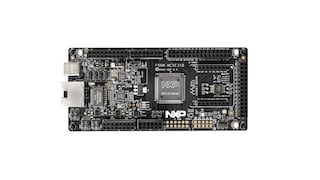
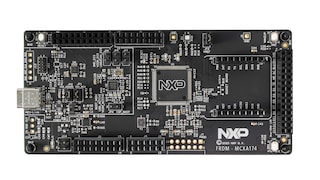
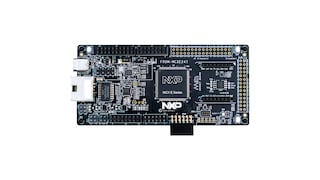
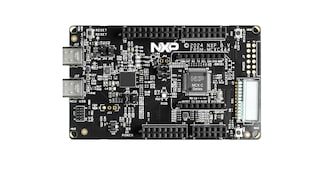
MCUXpresso Config Tools: Pins, Clocks and Peripherals

Click image to open expanded view

Software Details

Features

IDE Compatibility

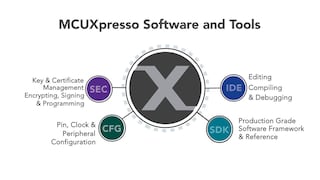
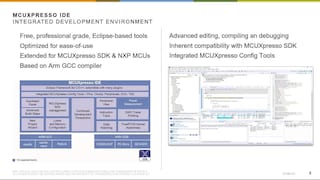
  • The MCUXpresso Config Tools are fully integrated into the MCUXpresso IDE, and also available as a standalone download for use with other supported IDEs, including Arm Keil, IAR EWARM and others. If using the MCUXpresso IDE, no additional download of Config Tools is required.

Pins Tool

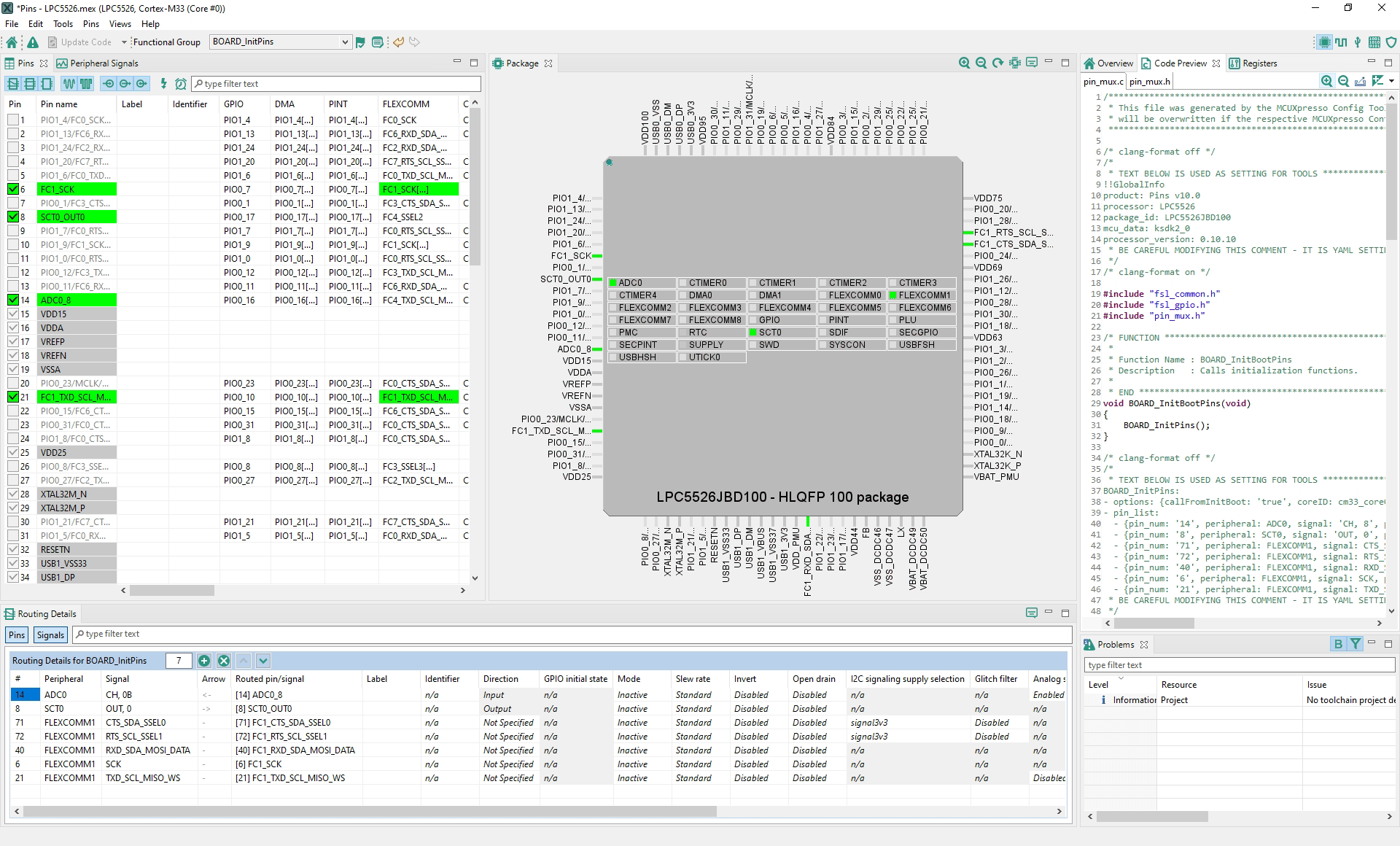
  • Assigns internal signals to external pins, sets electrical properties, I/O conflict resolution options and generates ANSI-C source code that drops into the MCUXpresso SDK environment
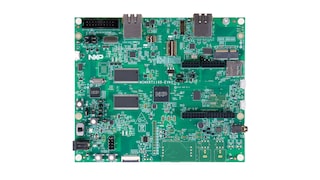
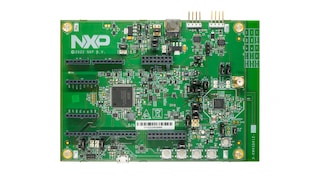
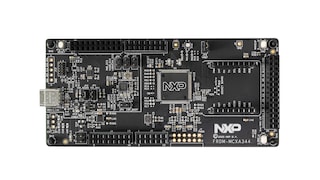
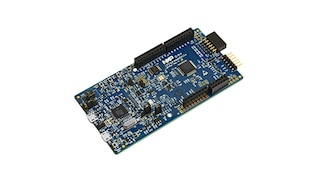
  • Board expansion headers can be viewed and routed to the connected signals on the MCU

Clocks Tool

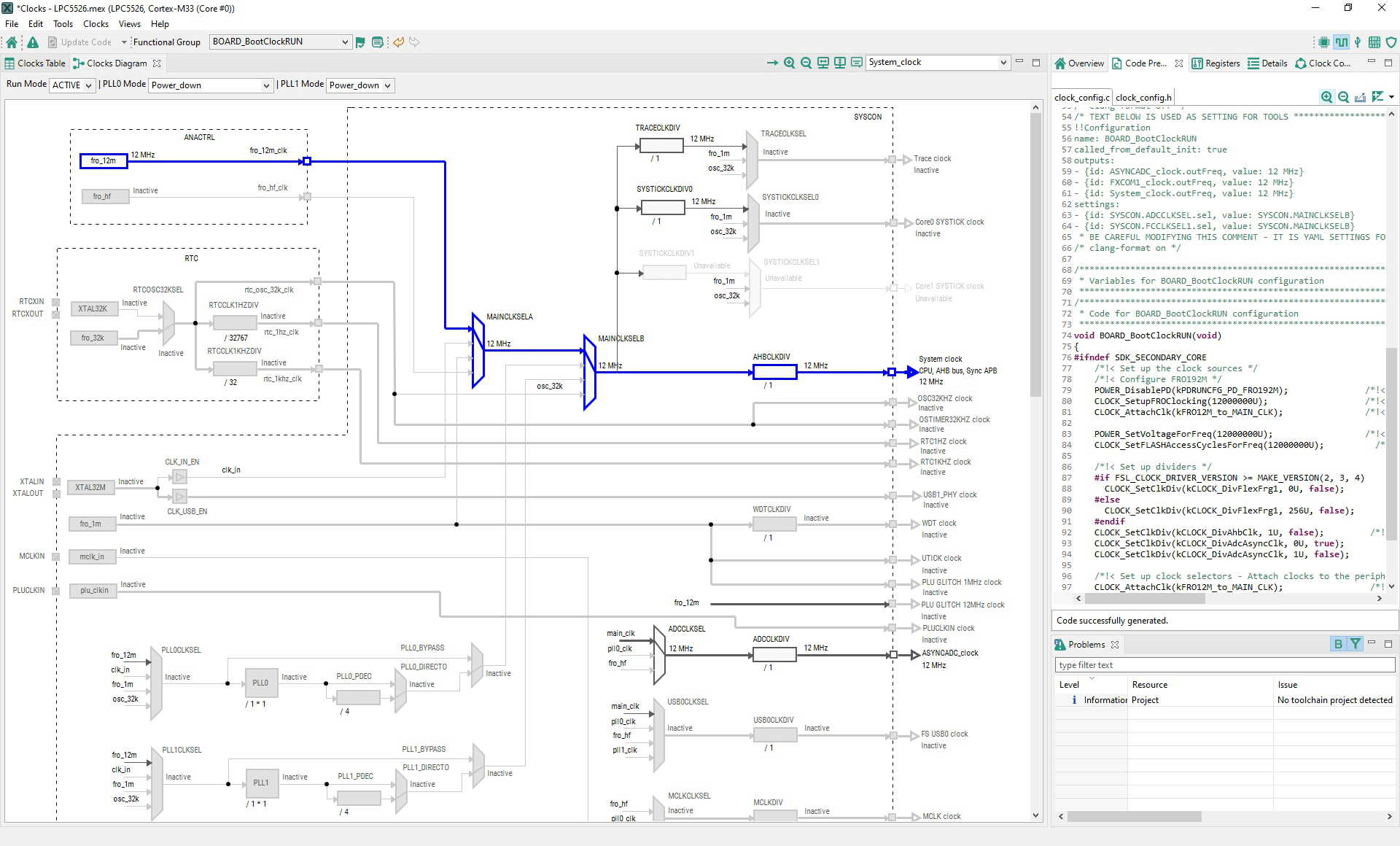
  • MCU clock tree system and interactive user controls with automatic clock setup capability as well as assistance with system fine-tuning

Peripherals Tool

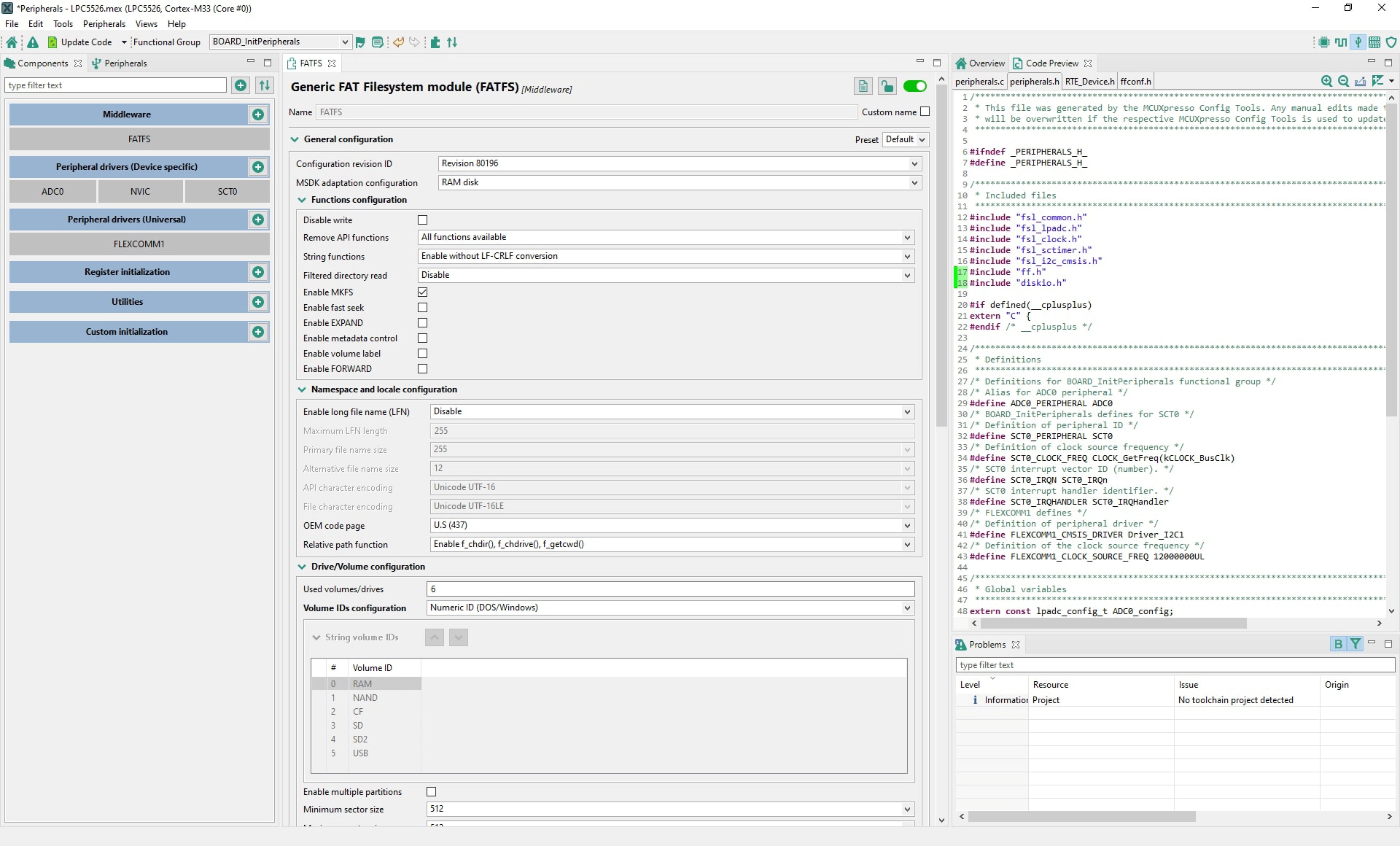
  • Enables selection of desired peripherals (i.e. UART, ADC, SPI, etc.) and generates initialization code
  • Configures higher level application code for enabling software technologies (USB, Filesystems, LwIP, FreeMASTER)
  • Settings can be imported, exported and reused within the Component Use Case Library
  • Setups the specialized peripherals and accelerators
  • Programmable logic unit (PLU) either by a Verilog source code or by a schematic gates or LUTs design, the FlexIO and FLEXCOMM specialized interfaces by numerous predefined protocols and the state configurable timers (SCT) with a possibility to explore and reuse numerous presets

Project Updater

  • Works directly with existing SDK-based IDE projects with generated Pins, Clocks and Peripheral source files

Device Configuration

  • Allows device configuration data (DCD) commands sequence config for pre-initialization of devices at boot time
  • Generated binary configurations can be utilized directly within the MCUXpresso Secure Provisioning Tool

Trusted Execution Environment (TEE)

  • Configures protection and isolation of sensitive parts of the application
  • Generated configurations can be exported for use within the MCUXpresso Secure Provisioning Tool

Project Cloning

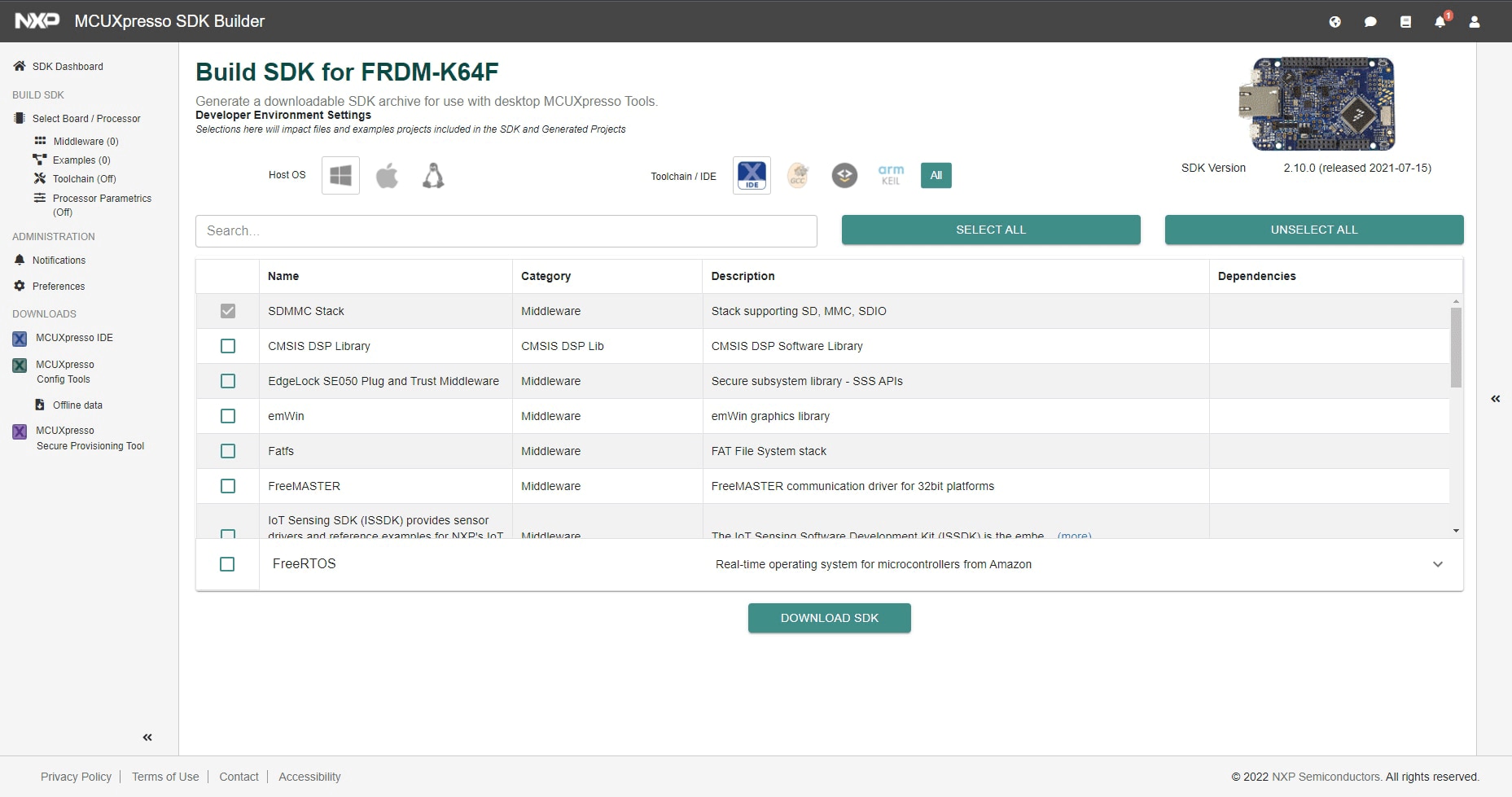
  • Creates a standalone SDK project based on an example application available within SDK release

Supported Devices

Downloads

Quick reference to our software types.
1-5 of 55 downloads

Show All

Note: For better experience, software downloads are recommended on desktop.

Documentation

Quick reference to our documentation types

10 documents

Compact List

Fact Sheet (2)
Quick Reference Guide (2)
Release Note (1)
User Guide (4)
User Manual (1)

Design Resources

Hardware

Quick reference to our board types.
1-5 of 40 hardware offerings

Show All

Related Software

Quick reference to our software types.
1-5 of 6 software files

Show All

Note: For better experience, software downloads are recommended on desktop.

Training

11 trainings

Show All

Support

What do you need help with?